

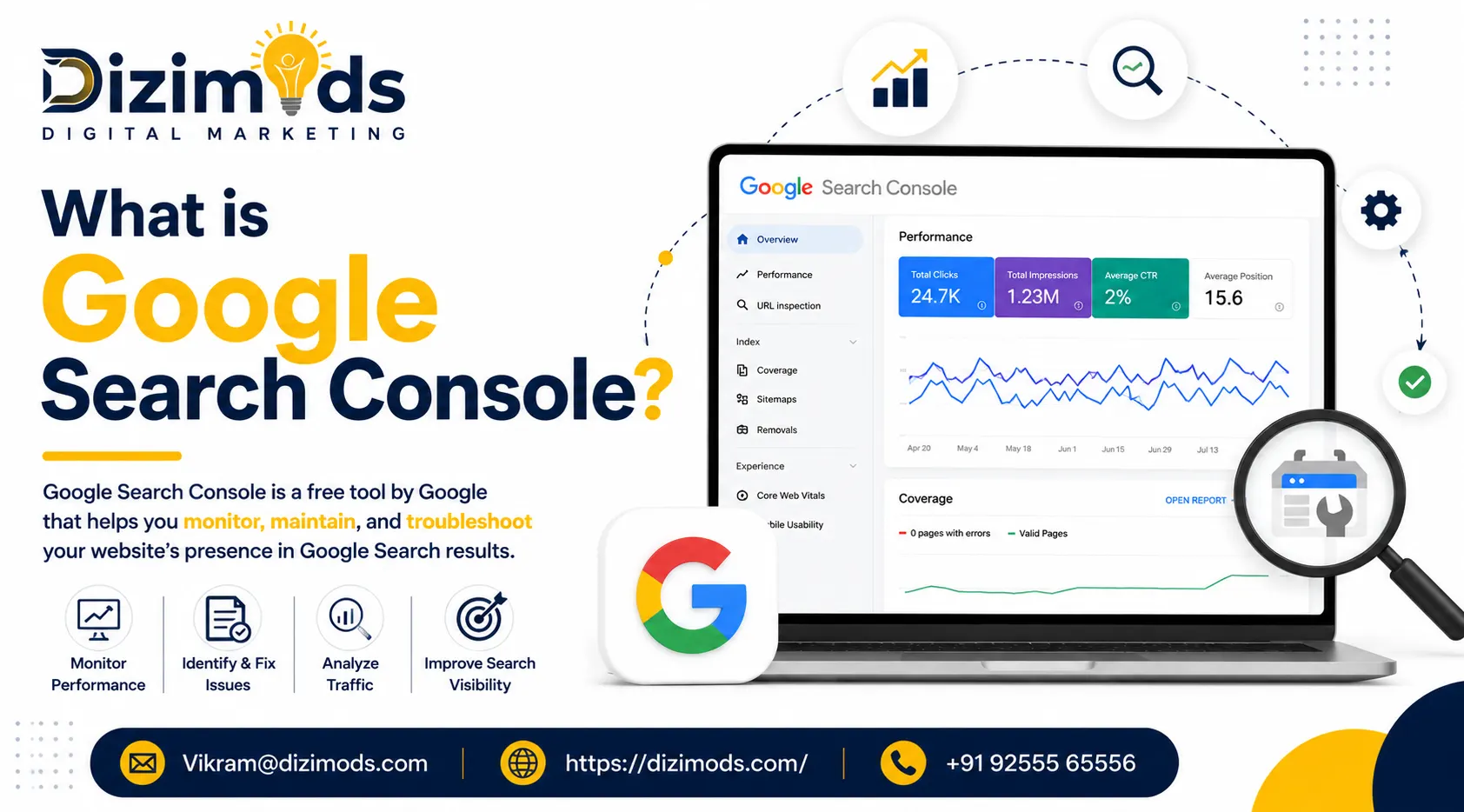
Discover how Google Search Console can positively impact your business.
Google Search Console (GSC) reveals Google’s evaluation of your website. It includes data about user traffic and lists problems that could limit your website’s ranking potential.
Google Search Console is available to anyone, free of charge. Google Search Console describes the visibility of your website on Google Search. This tool also provides actionable feedback that is crucial to increasing your website’s traffic.
If your business desires to dominate Google’s search results, you should rely on GSC. While you are not required to have a Google Search Console account to reach your business goals, it is a wise decision.
How to use Google Search Console?
Search Console can provide substantial insight to help you further enhance your SEO strategy and website performance. Search Console provides data regarding how Google both indexes and visits your website, as well as how users experience your website.
- Search Console can help enhance your understanding of the crawling and indexing process.
- GSC will alert you to errors it encounters while visiting your website’s pages.
- You can publish new website content to Google’s index.
- Search Console is a useful tool for tracking how your website is doing with searches and for staying on top of your SEO. You can analyze how people search by looking at what queries they’ve searched, what country they are searching from, and so on.
Helpful Aspects of Google Search Console
If you are new to website building and managing, the best approach is to keep it simple and not complicate things for you. The first thing you should do is install Google Search Console and become familiar with the tool. We want to reiterate the importance of the tool for new and experienced website owners.
The first thing you should do is check your search traffic in the performance report offered by the Search Console. The report can shed some light on what queries, countries, and how many people are visiting your site.
This kind of data is very useful for a website owner. You can analyze traffic and trends for your website. You can determine what people searched in order to find your site and then develop, revise, or modify your strategy around that. The report can also show you which site pages are not popular. You can decide to focus your efforts on optimizing those pages. As your business grows, you can also focus your efforts on the countries that are not reporting website traffic, while your business develops marketing efforts in other countries.
When your business plan and marketing strategies are good to go, it’s time to check if every web page has been both crawled and indexed by using the Search Console. We want your audience to consume the content you are sharing, and we want to make it available for them. You are even able to see what errors Google scans and indexes on your web pages. Search Console basically allows you to perform a full web page analysis.
Errors, Mobile usability, and AMP (Accelerated mobile pages)
To top it all off, errors can be found in the coverage report segment of Google Search Console, as well as the mobile usability report. This will allow you to make sure that every user who visits the Dizimods website via their mobile devices is able to have an extensive, seamless experience. If the mobile usability reporting in the coverage report is not satisfactory, then we can take some measures to solve that.
You can also check to see if any errors exist in your website’s AMP.
Google Search Console for SEO
You will find that you can gain excellent insight that will help your SEO strategies, both content and technical, from the Search Console tool.
Search Console can do so much for your SEO and website optimizing efforts that we will add a few suggestions to get you started using it.
Keywords
With Search Console, as elaborated previously, you will be able to examine queries or keywords that aren’t performing optimally. If your keyword doesn’t achieve a ranking between 1 and 2 on Google, it is classified as an underperforming keyword.
To view keywords in the Google Search Console, navigate to Performance and sort the keywords as you like, including underperforming.
Low CTR
Check for errors
Always examine pages that contain errors in your sitemap. Your sitemap is essential because it guides search engines on which pages on your website are important. Errors in your sitemap can lead to crawling confusion as you are indexing your website.
Internal links
Result-Driven SEO Agency Backed by Experience
Built for brands that want long-term growth – not shortcuts.