
Objective:
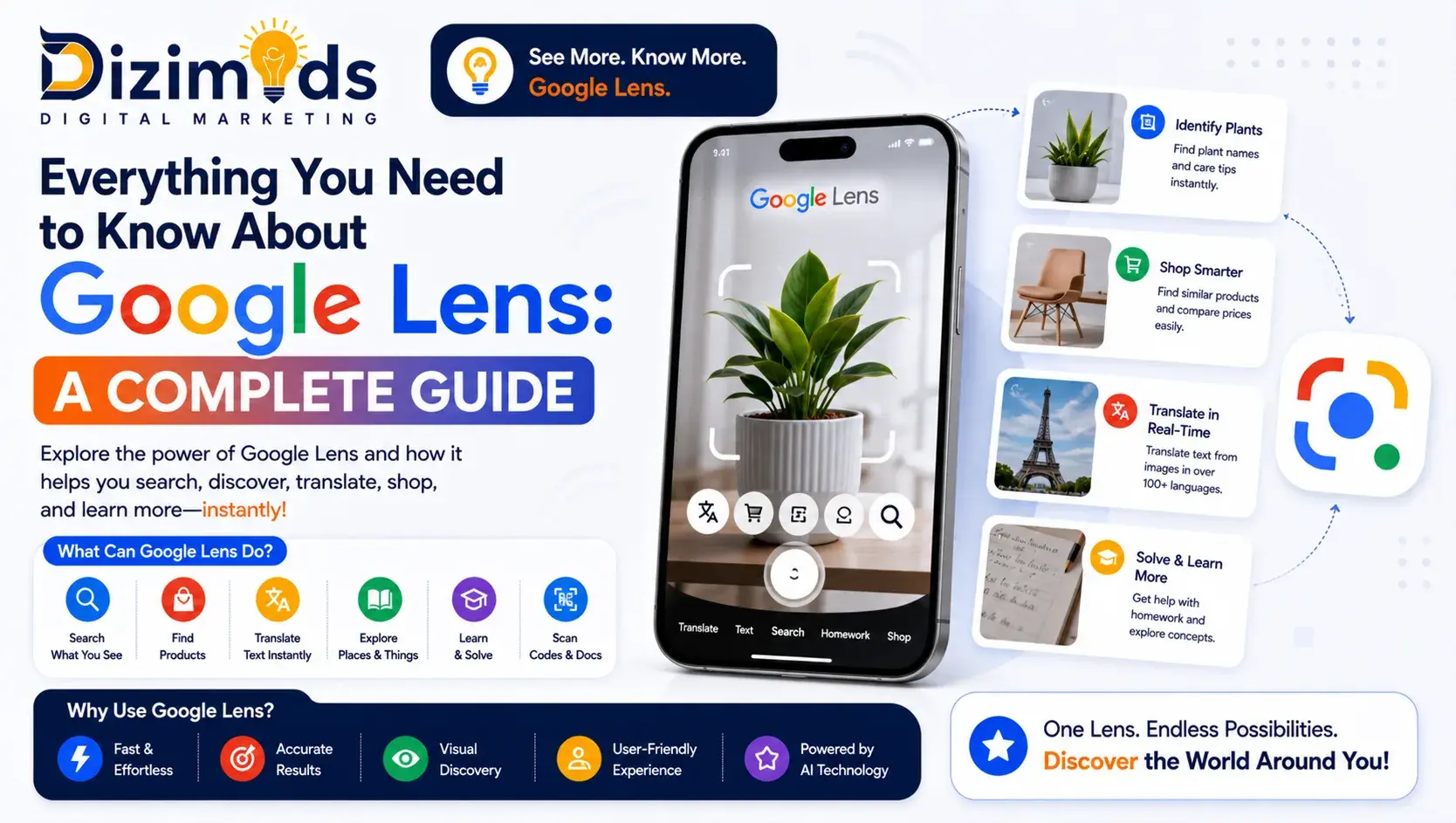
This blog highlights how Google Lens works, its key features and real-life applications that simplify daily tasks like identifying objects, translating text and shopping smarter. It also explains privacy measures, useful tips and future updates to help users make the most of this powerful visual search tool.
Have you ever asked yourself whether your phone can recognize objects, read and write text or even assist you in shopping by simply pointing the camera? All this is possible through Google Lens. It is an intelligent visual search engine, which allows you to discover the surrounding world in a new dimension, making your smartphone a dizimods engine.
Did you know? Google Lens was first launched in 2017 and now supports millions of objects, landmarks and products, helping users identify and interact with the world using just their smartphone camera.
Google Lens makes everyday tasks easier, whether it is scanning QR codes and identifying plants, searching related products online or reading foreign languages in real time. Its power to relate what you view to immediate information saves time and makes learning, shopping and exploring a lot easier.
This full guide will include all the information you need to know about Google Lens, its main functions, real-life examples of its use and some tips on how to use it to the fullest.
So, let’s get started!
More to Read: Local SEO Company Driving #1 Rankings Near You
Key Takeaways
- Visual Search Made Easy: Google Lens turns your smartphone camera into a smart tool to identify objects, text, landmarks and more.
- Multiple Practical Uses: It helps with translations, shopping, homework, scanning QR codes and daily tasks.
- User-Friendly and Accessible: Available on Android and iOS, Google Lens is easy to use and free.
- Privacy and Innovation: Google Lens keeps your data safe while continuously improving with AI and new features.
- Seamless Integration Across Google Apps: Google Lens works smoothly with apps like Google Photos, Google Assistant and the Google app, making visual search faster.
What Is Google Lens?

Google Lens is an image recognition technology made by Google. It uses the camera on your smartphone to recognize things, text and scenes and give you information and actions depending on what it sees. Introduced in 2017, Google Lens has become a potent app that is built into other Google applications, such as Google Photos, Google Assistant and the Google app.
Google Lens uses artificial intelligence to make your smartphone smarter and more intuitive whether you are trying to identify a plant, translate text or find similar products.
More to Read: Boost Growth with Local SEO Services for Small Business
How to Use Google Lens
Using Google Lens is straightforward. Here’s how you can get started:
On Android Devices:
- Open the Google Lens App: If you don’t have it installed, download it from the Google Play Store.
- Point Your Camera: Launch the app and point your camera at the object or text you want to identify or learn more about.
- Tap on the Screen: Once the object is in focus, tap on the screen to allow Google Lens online to analyze it.
- View Results: Google Lens will display relevant information, such as product details, translations or similar images.
On iOS Devices:
- Use Google Photos: Open the Google Photos app and select the image you want to analyze.
- Tap on the Lens Icon: Tap on the Google Lens icon to initiate the analysis.
Review Information: Google Lens online will provide information related to the image, such as identifying landmarks, translating text or finding similar images.
More to Read: Top SEO Companies in India (2026)
Key Features of Google Lens
Google Lens offers a variety of features that enhance your smartphone experience:
1. Text Recognition and Translation
Google Lens is able to read the text in the pictures and change it to other languages. This comes in especially handy during traveling or reading foreign documents. Just open your camera and scan the text and Google Lens will give you a translation in real time.
2. Object and Landmark Identification
Google Lens can recognize a plant, animal or landmark and provide detailed information whether you are curious about it or not. Hold your camera to the object and Google Lens will show you related information.
3. Shopping Assistance
Google Lens can assist you in locating goods on the Internet by scanning the things you observe in reality. Whether it is a product you are looking at, point your camera and Google Lens online scanner will present you with items that are similar and can be bought, with prices and reviews.
4. Barcode and QR Code Scanning
With Google Lens online scanner, it is easy to scan barcodes and QR codes. All you need to do is point your camera at the code and Google Lens will give you information or lead you to the appropriate webpage.
5. Homework Help
Google Lens can help students by solving math problems and explaining. Aim your camera at the issue and Google Lens will provide step-by-step instructions.
More to Read : Best SEO Company in India for 2026 Growth
Real-Life Applications of Google Lens
Google Lens can be applied in various real-life scenarios:
1. Travel
When you are on the road, you can translate signs, recognise landmarks and locate local attractions with Google Lens. This is capable of improving your travelling experience and simplifying navigation.
2. Shopping
Google Lens is used to compare prices, read reviews and find similar products in stores. This can assist you in making wise purchases.
3. Education
Google Lens allows students to solve math problems, translate text and find information to use in research projects. This can contribute to learning and achievement.
4. Everyday Tasks
Google Lens can help with many daily activities, such as scanning receipts, recognizing plants and so on, making life easier.
Tips for Maximizing Google Lens
To get the most out of Google Lens, consider the following tips:
- Use Quality Photographs: Clear and bright photographs are more successful.
- Focus on the Subject: To be able to analyze the object or text correctly, make sure that it is in focus.
- Keep in mind: It is important to update the Google Lens app regularly to get new features and improvements.
- Explore All Features: Try the various features, like Translate, Shopping and Homework, to learn everything that Google Lens can do.
More to Read: Best GMB Review Services in India 2026
How We Helped an E-commerce Brand Appear in Google Lens

One of our e-commerce clients struggled with low product visibility in visual search results. Despite having quality products, their images were not optimized for Google Lens, limiting discovery and reducing potential sales from high-intent shoppers.
With a focused visual SEO strategy, including high-resolution image optimization, structured data implementation, keyword-rich alt text and product feed enhancements, we improved their visual search presence within one month.
Results (Post-Optimization):
- Products started appearing in Google Lens search results for relevant queries
- Organic traffic increased by 38% from visual search sources
- Product discovery improved for high-intent shoppers
- Click-through rates increased due to better image relevance
- Overall sales saw a noticeable uplift from visual search visibility
Privacy and Security Considerations
Google Lens uses your camera to analyze images, which may raise privacy concerns. However, Google has implemented several measures to protect user privacy:
- Data Encryption: Data transmitted between your device and Google’s servers is encrypted.
- Permission Requests: Google Lens requests permission before accessing your camera.
- Data Usage: Google states that it does not store images or use them for advertising purposes.
It’s important to review and understand Google’s privacy policy to make informed decisions about using Google Lens.
Future Developments
Google continues to enhance Google Lens with new features and capabilities:
- Integration with Other Services: Google Lens is being incorporated into additional Google services, including Google Assistant and Chrome, to create a smooth experience.
- AI Advances: Continued innovations in artificial intelligence will enhance the precision and performance of Google Lens.
Extended Language Support: Google is trying to increase the scale of languages that Google Lens can understand, making it more usable by people across the globe.
More to Read: A Complete Guide to Organic SEO Services in 2026
Experience the World Differently with Google Lens
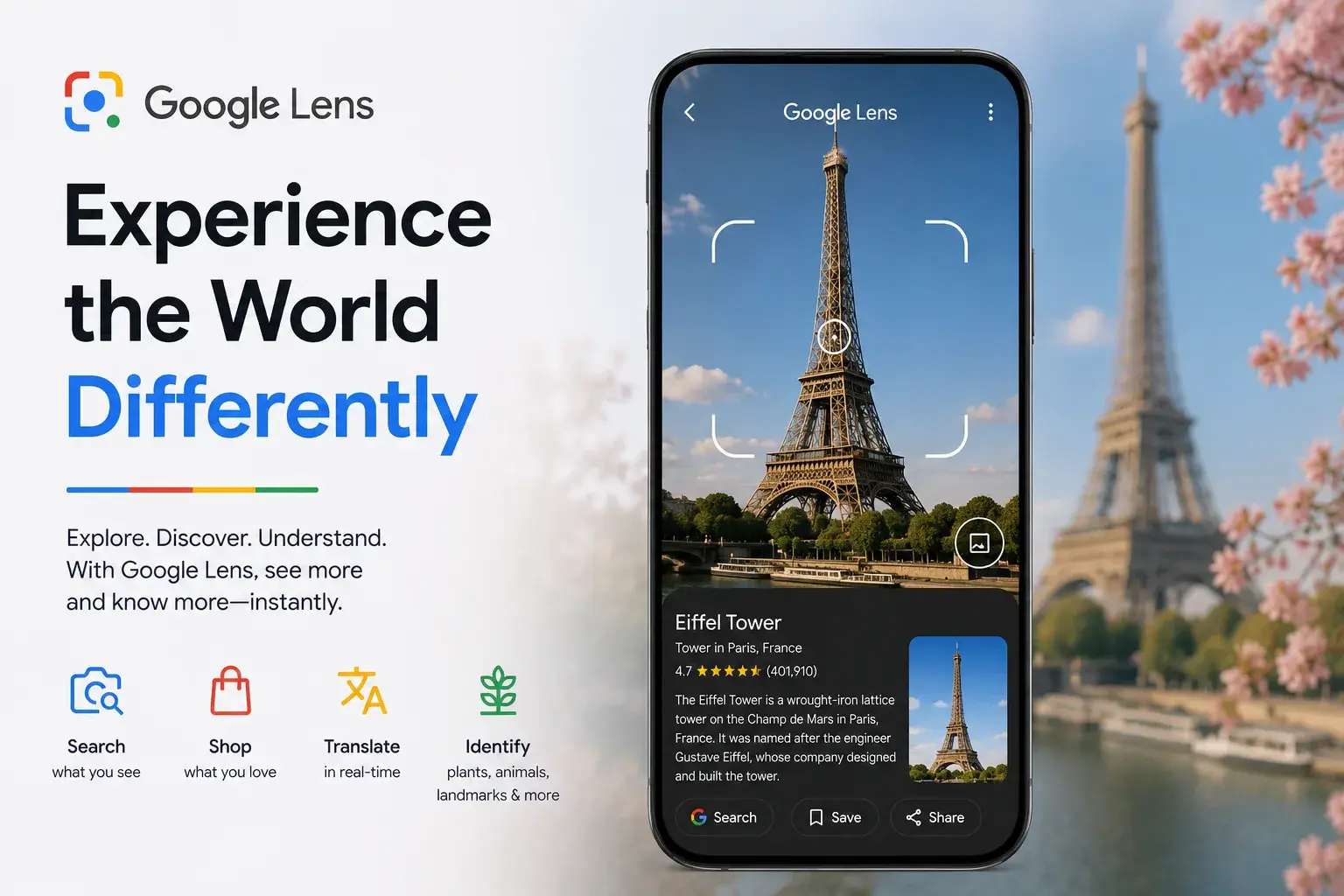
Google Lens is a potent tool that will turn your smartphone into a smart helper that can understand and read the surrounding environment. Google Lens makes your day better by giving you instant information and help whether you are translating text, finding objects or shopping online.
Knowing its characteristics and purposes will help you to make better decisions, solve problems and learn the world better with the help of Google Lens. Get ready to go digital with Google Lens and have a smarter experience of engaging with the world around you.
Improve Your Online Reach with Dizimods
While Google Lens online helps you explore and interact with the physical world more intelligently, having a strong online presence is just as important in the digital space. That’s where Dizimods comes in, a trusted digital marketing agency that helps businesses improve visibility, attract more customers and grow online.
Whether you want to boost your website’s ranking on Google, run targeted local SEO campaigns or optimize your content for better engagement, Dizimods offers tailored solutions designed to meet your business goals. With 8+ years of experience and proven strategies, we specialize in making your digital presence smarter, just like Google Lens makes your smartphone smarter.
FAQs About Google Lens
Result-Driven SEO Agency Backed by Experience
Built for brands that want long-term growth – not shortcuts.